Creating Worlds

Tuesday, September 29, 2009

Finals!

Here are all my finals:

First up is my website. I haven't bought my desired domain name (www.tarabyt3d.com) so I am borrowed space from the school. Have a look, I'm thinking of changing the layout to my Altar Room though, I am much more satisfied with that. It's more complete than Hikone Castle which still needs alot of work Y_Y. I did that two quarters ago.......and my texturing is nearly inexistent.

Here's the link: http://tmb371.aisites.com

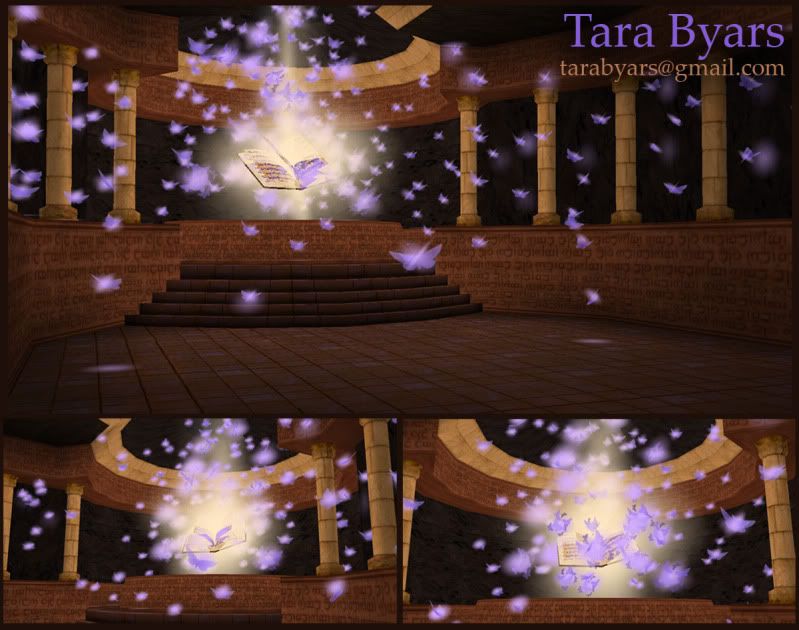
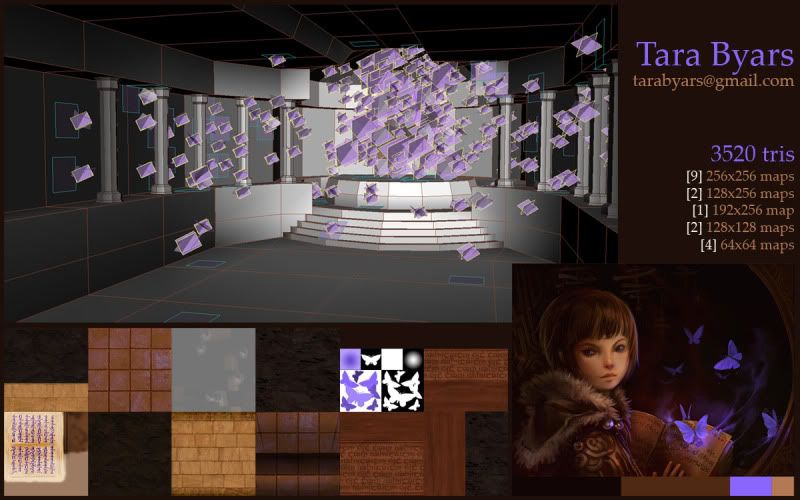
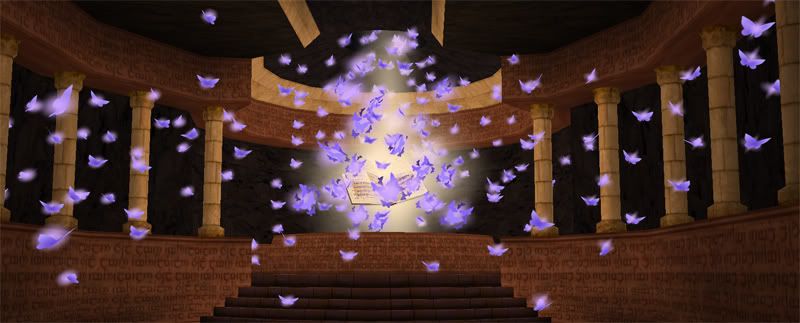
Next is the Altar Room!

These are my presentation sheets from class.

Click them to see a larger version.


Click them to see a larger version.

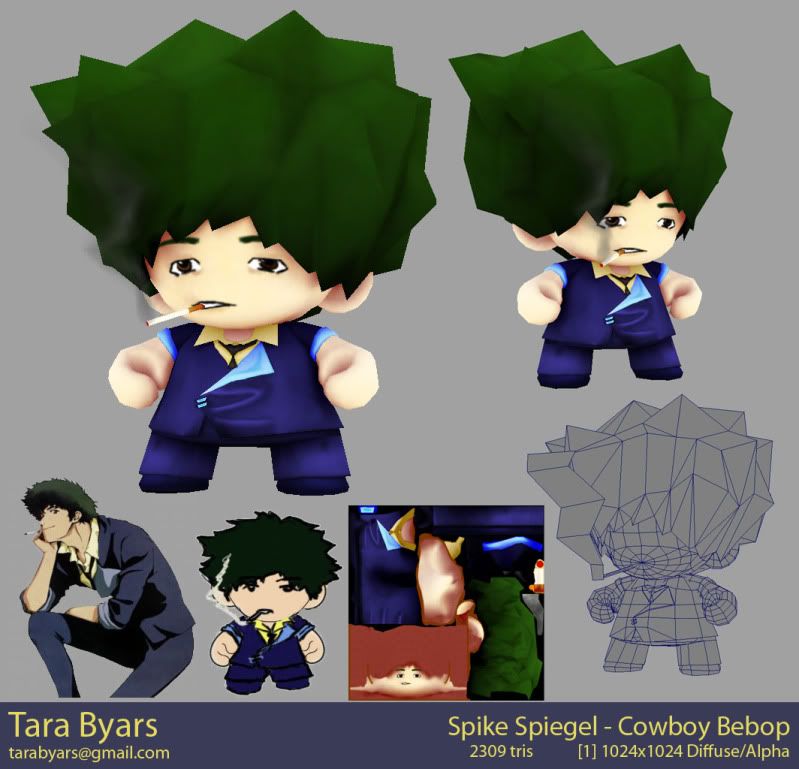
Then it's Spike from Cowboy Bebop, as a munny(kid robot).
I'm not as satisfied with this as the altar room, but its okay. It just needs more details...and possibly a redo of UVs so that I can paint the wrinkles the way I want....

Click them to see a larger version.


Game Modeling & Animation Final:

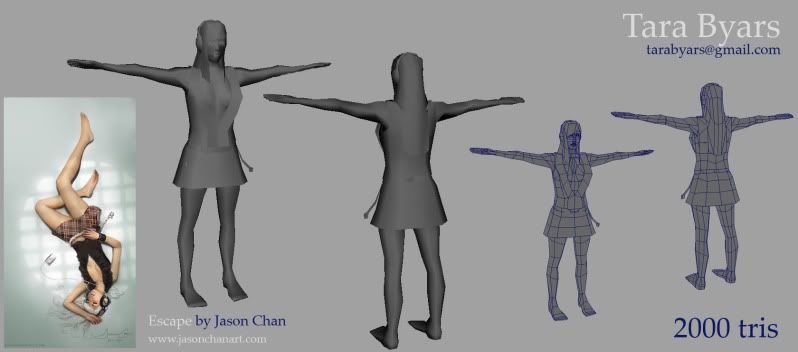
This was a speed test. I had two hours to model a character from a concept art in 2000 tris. I used 'escape' from Jason Chan (www.jasonchanart.com) In class I ended up with 1996 tris. But it was VERY rushed and looked HORRIBLE. There was only the ruffle of the shirt..and the hair....was just...not right. But this was because we had to be within 1990-2000 tris or we failed the test. So the whole time I was just trying to make sure that I got as much done within that limit. This weekend I have gone back and fixed up the geometry (especially the face) and got as much of the concept in as I could with my budget of 2000 tris, which I hit on the dot. I'm fairly happy, I think she could be a little slimmer but that's an easy fix for later.

Click them to see a larger version.

Tuesday, September 8, 2009

Mapping for Games: Altar Room - Finished!

So here it is.

Below is the beauty shot:

click to view larger

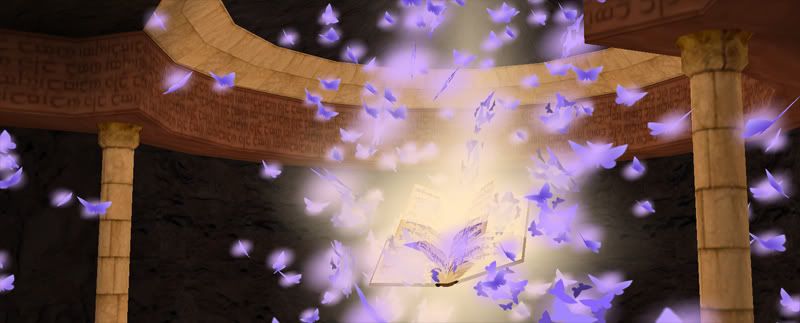
And here's a detail of the altar:

click to view larger

Sunday, August 16, 2009

Mapping For Games: Altar Room Assignment

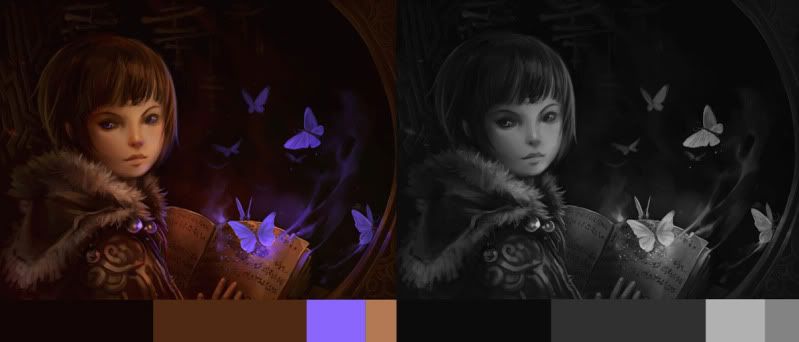
So this week my biggest project I need to work on is my Altar Room for Mapping for Games. The assignment is to find images online that are inspiring. Take those and break down the color palette, making sure that they aren't of the same value.

This is the one I chose:


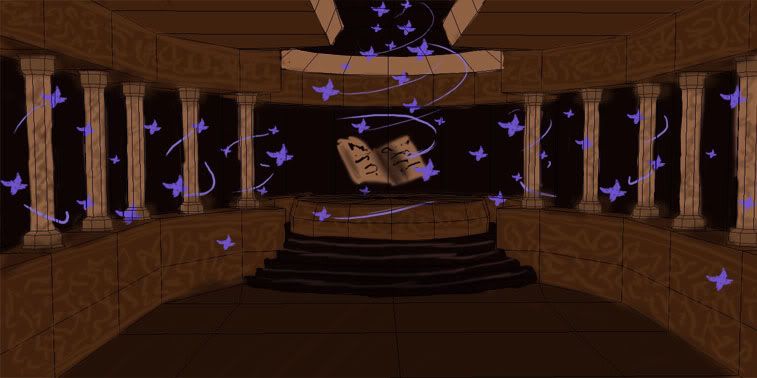
Once we completed that we were given 5 or so altar room models to pick from. After picking the room, we took it into Photoshop and did a paint over using our color scheme. As well as adding elements from our inspirational image. So mine becomes a room based around this magical book and it's butterflies.


The "scribbles" on the wall and pillars are going to be the language of the book...or something close. I want it to seem like the room was created as a kind of seal or something, so there are enchantments on the walls.

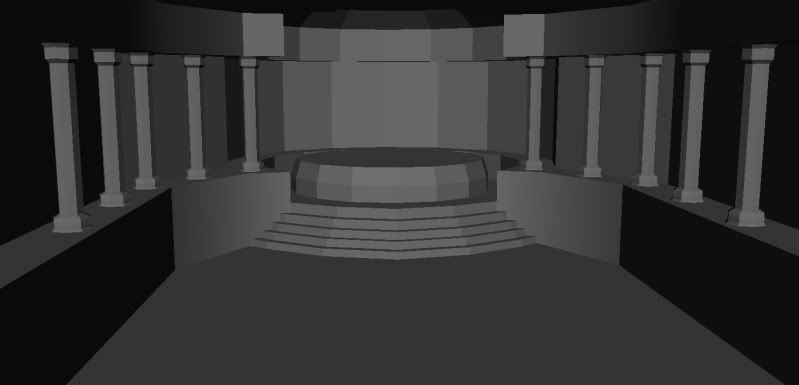
Here's the base model I chose:


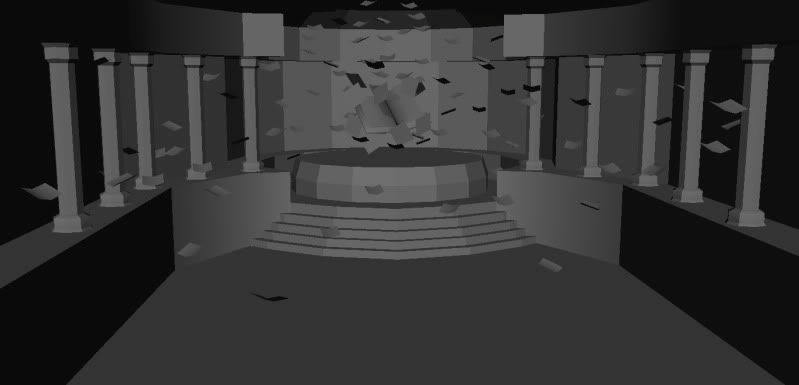
This is with my added models in the room:


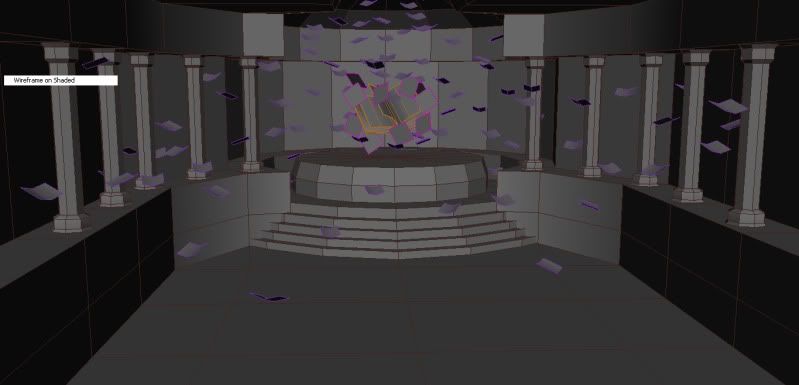
And here's with the wireframe. I'm currently around 2500 tris, with the limit of 5000 including lighting. We are also limited to 3x512 maps, I believe.


Homework for this week is to put on basic color and materials...so I will be showing you the progress on that once I get started!

Tuesday, August 11, 2009

Monterey Finished, somewhat...

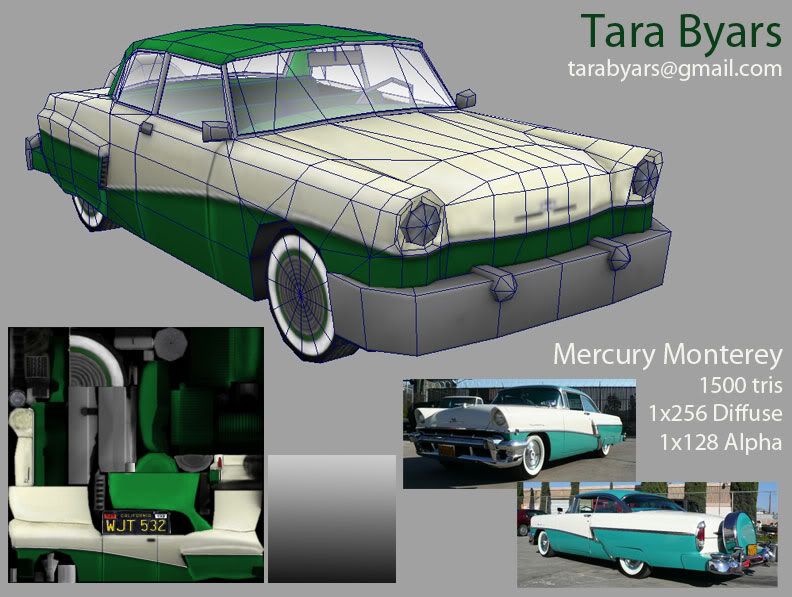
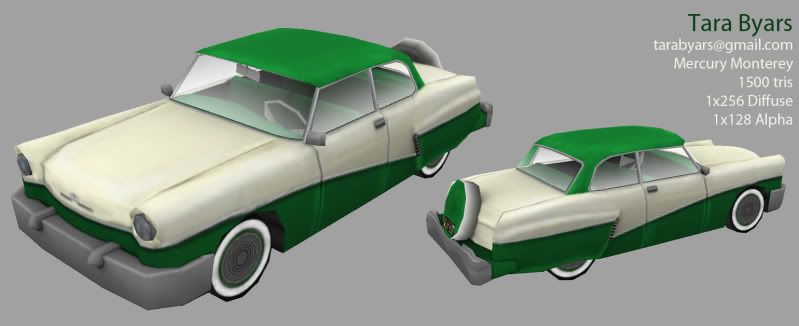
Well...here's how it turned out. If I had some more time there are definitely some things that need some more work. I had a hard time getting the alphas on the windows to work...I ended up having to import in some older windows to get the shader to display in the viewport. These are my model presentations for the class, I thought I would just add them here. I had to down-res the texture so the line on the side of the car got jagged, Y_Y. That is something I definitely want to fix up in the future, as well as redoing the UV's in the back...the taillights are...bleh. That is why I tried to hide them as much as possible.

Detail Presentation Board (Click on the images to get a bigger view):


Beauty Shot Presentation Board:

Monterey Mid-Progress Report

I guess I'm about halfway done now... I went a little crazy with the highlights on the top of the car, those need to be toned down. I also have the Mercury logo on the hood...that needs to go. I don't have a shot but the taillights are well...less than stellar...I didn't prepare for those while unwrapping, I may have to change the type. I still need to flip the front chrome stripe as well as get the chrome around the windows to not be black. And I haven't touched the interior.


Monday, August 10, 2009

ZBrush Anatomy Quiz

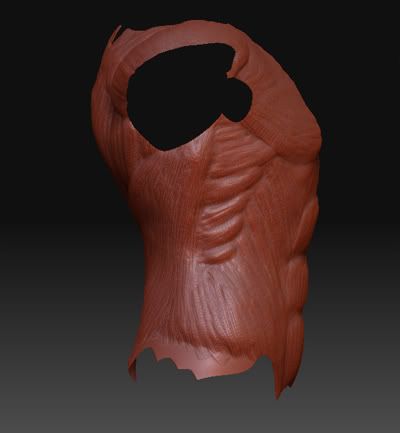
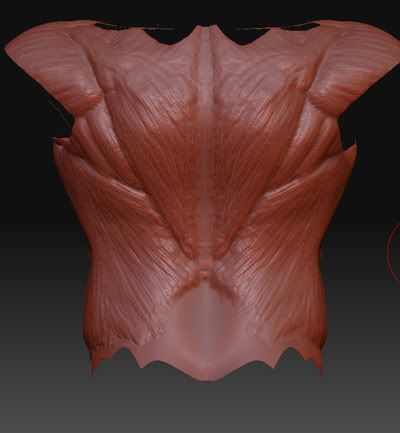
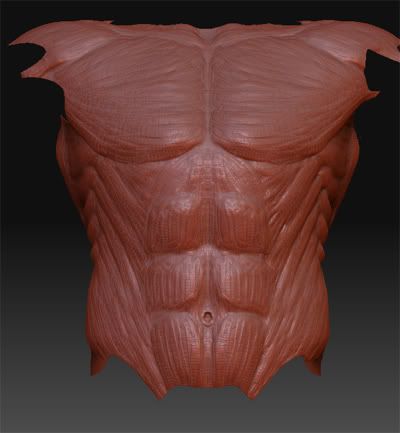
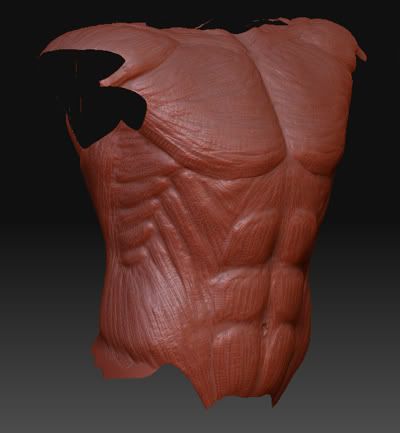
Last Friday in Game Modeling & Animation Linh had us take a ZBrush Anatomy Quiz. We have a quiz everyweek. They are timed and usually random objects...the first two were a phone and a projector. Since we had ZBrush hw he decided to see how fast we can sculpt. He gave us 45 minutes to sculpt a body part of our choice. I chose the torso, since that's what I was able to do best on the homework. Since we had to do it for homework though, I barely had to use the reference, just a couple times to make sure my angles and overlapping were in the right places.

I actually kind of finished early, so I added another division level and started making all the muscle lines with a smaller claytubes brush. Even then I finished alot earlier than alot of the other students.

We critiqued them in class and since time was running out I was the last to get a critique, a few students were skipped unfortunately. But overall I didn't get a bad review. My clavicle needs to be more defined, and my gesture is kinda wonky/not there from the side. The biggest thing is adding in a ribcage in the lower subdivision levels, so that its really pronouced. Linh even said that it was the best one of the day, which made me feel awesome. I know that its not perfect, but I'm on the right track!

Here's the different views:


Comments anyone?

Labels: ,

Mapping For Games: Midterm Assignment

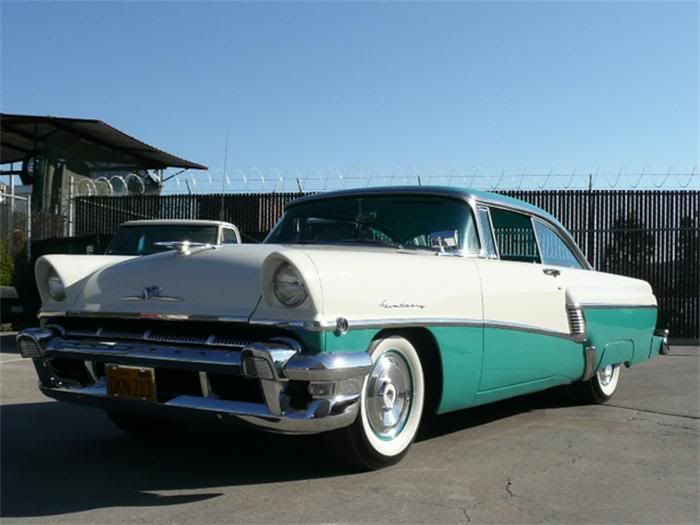
The Car. Our first assignment was to choose one of the pre-modeled cars and add an interior to it. The choices were: Trans Am, Barracuda, and Monterey. (I don't know the years but they were all relatively old models 50-60s I think) I looked at some references of all of these on the wonderful web and decided that I liked a certain Monterey model, so that's what I went with.


I'm trying to reference the 1956 model, seen here:

Though I am going with my own green and white color scheme not, the turqouise.

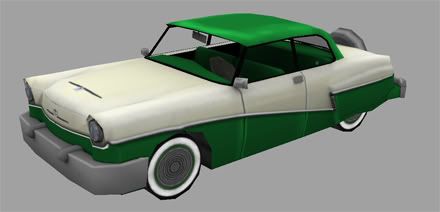
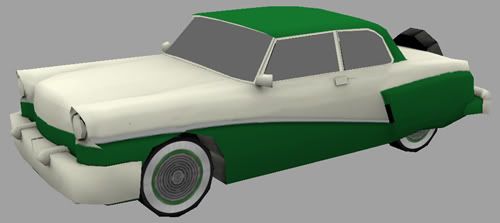
Here is what I ended up with for the model:


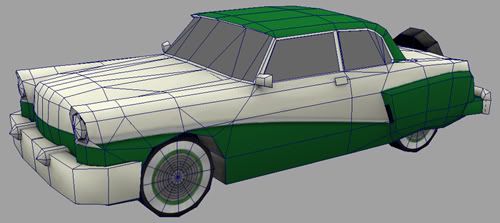
And this is it with the wireframe, there are right now 1506 tris, the limit is 1500 so I will be removing 6 of those when I am done texturing. (I'm thinking I will remove some faces on the inside of the back tires, since u can't see them at all anyways.)

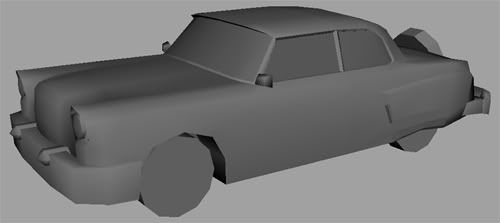
Now I had mostly finished this car, but I accidentally saved over the texture file when I was creating the backup.....so I have to start over, this is where I will be starting from:


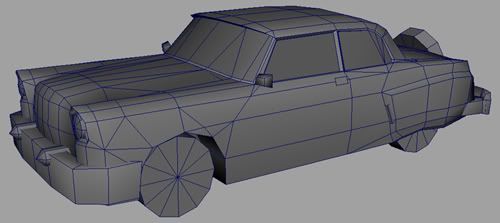
And this is with the wireframe on to just clarify.

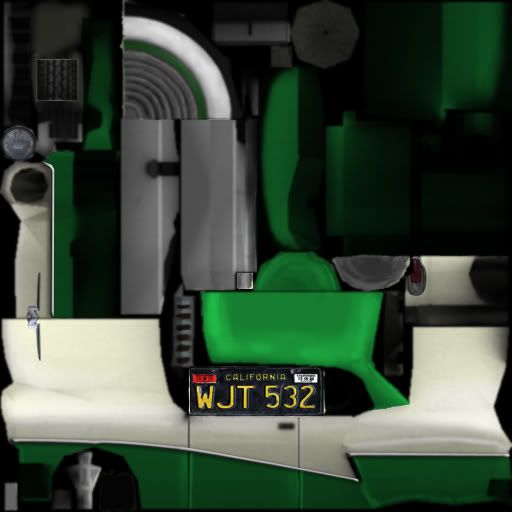
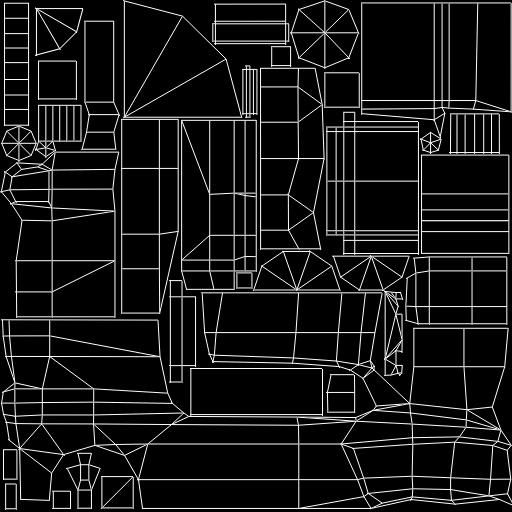
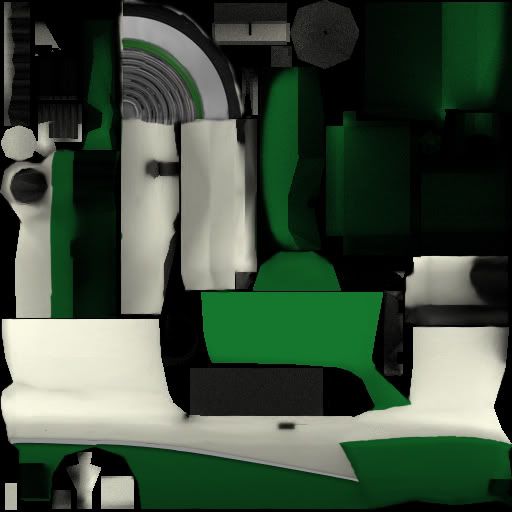
These are my texture maps. We are starting out with a 512x512 map, but then are down res-ing to 256x256 map. We also get 1 128x128 for alphas on the windows, etc. What I have so far:


So this is what I have to start with...I'm hoping to be done in a couple hours from now. I will try and post mid-way progress and what I end up with.

Labels: ,